



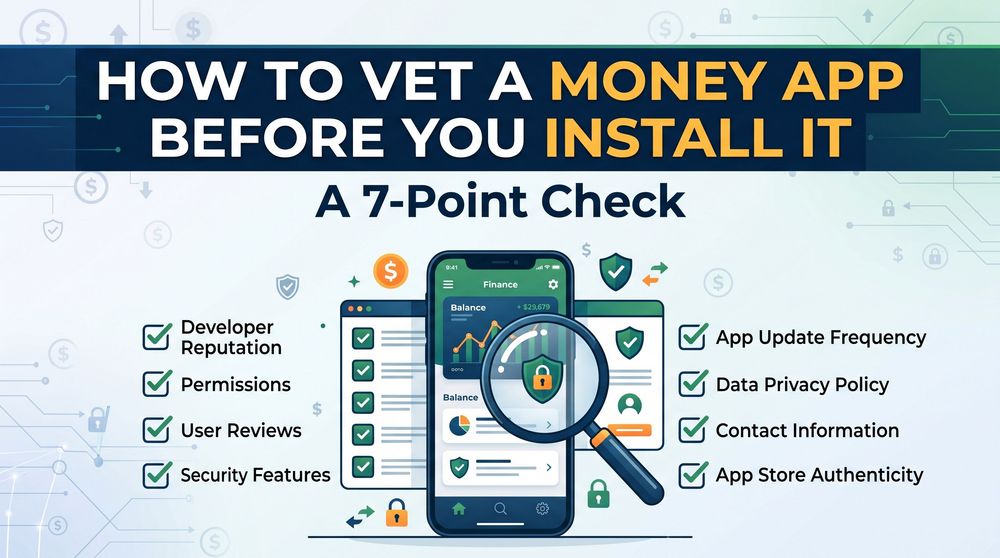
How to Vet a Money App Before You Install It: A 7-Point Check
Seven things to check before installing a money app: payout proof, permissions, review patterns, and the terms that quietly cap what you can earn.
Most people decide whether to trust a money app after they've installed it — usually at the point where a payout doesn't arrive. By then you've already handed over an email address, a device ID, and a few hours of attention.
The check below runs in about ten minutes and happens entirely before the install. It won't tell you exactly how much an app pays. It will tell you whether the app is built to pay at all.
1. Find out how the app makes its own money
Every legitimate rewards app has an obvious revenue source, and it's always the same one: advertisers pay the app to deliver users, and the app shares part of that fee with you. Game studios pay for players who reach level 20. Retailers pay for customers who place a first order. Research firms pay for completed surveys.
If you can't work out who is paying the app within a minute of reading its homepage or store listing, that's the finding. Apps that are vague about where the money comes from are usually vague about where it goes, too.
Watch for the inverse problem as well: apps that say they pay you from "our marketing budget" with no advertiser involved, or that describe payouts as coming from other users' deposits. That second one describes a different kind of scheme entirely.
2. Read the newest one-star reviews, not the average rating
An app's star average is close to useless. Rewards apps prompt for ratings at the exact moment a user gets paid, which pushes the average up and tells you nothing about what happens on day thirty.
Sort by most recent instead, and read the one- and two-star reviews from the last month. You're not looking for complaints — every app has those. You're looking for a repeated, specific complaint. Twenty people saying "scam" is noise. Five people saying "account closed after I requested my second cashout" is a pattern.
Also check whether the developer replies, and what the replies look like. A copy-pasted "Please contact support@" under every complaint is a worse sign than no reply at all, because it means the replies are automated and the complaints aren't being read.
3. Check that the payout threshold is reachable
This is the single most common way a rewards app disappoints people without technically doing anything wrong. The offers pay fairly. The minimum cashout is just set high enough that most users quit before reaching it.
Look for the minimum withdrawal amount before you install — it's usually in the FAQ or the store listing. Then look at the typical reward per task. If tasks pay a few cents and the minimum is $50, work out how many tasks that actually is. If the answer is "hundreds," the threshold is the product.